
Greetings, Initech employees!
Starting at level 20, you'll see a new option on the Burn It screen: "Expand." Be careful, though! This is quite an explosive option. When you expand, your red staplers and floor bonuses will be completely reset to zero. You'll still have your characters, flair, cake, inventory items, and epic upgrades, but expect to see your bonuses on the Burn It screen reset. Expansion also resets the Account Manager.
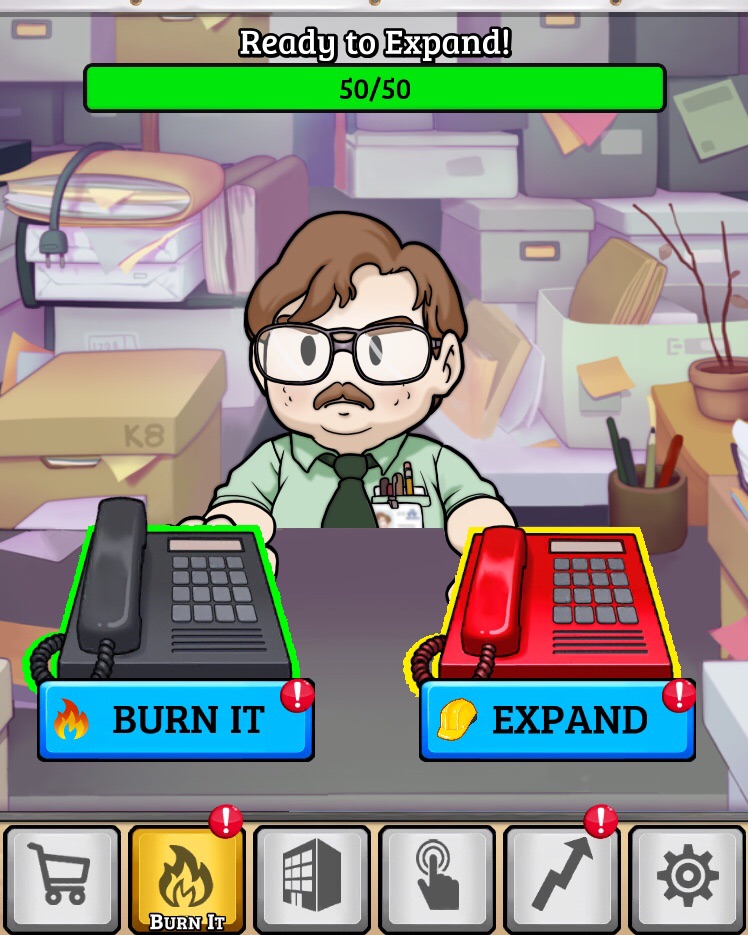
Expansion is a feature that allows Office Space players to add new and challenging elements to the game.
When you expand for the first time, you'll unlock the Snaphat building! As you continue to expand, you'll unlock even more buildings. Currently, you can have a Snaphat, Chirper, and FaceSpace building along with your original Initech building. You must unlock each floor of a building before you can move on to the next building.
Each building has its own unique currency. Initech uses pennies, Snaphat uses nickels, Chirper uses dimes, and FaceSpace uses quarters. The Tap screen can only produce pennies, so remember to keep working on your other buildings! Your Initech building is the one that will earn you red staplers, though, so don't forget about it.



To unlock floors in your expanded buildings, you'll need plans. Each building has its own plans - yellow for Snaphat, blue for Chirper, red for FaceSpace, and green. Green plans will be utilized in a feature that is coming soon. Plans are crafted using materials. Wood, brick, iron, steel, hammers, wrenches, drills, and saws are all materials that you'll need to craft plans. You can earn these materials by completing errands. To complete an errand, simply assign a character to the task you'd like to complete and wait for the timer to run out. You can also speed things up with some Flair if you'd like. Keep in mind that blue plans cannot be crafted until all Snaphat floors have been unlocked, red plans cannot be crafted until all Chirper floors have been unlocked, and so on.


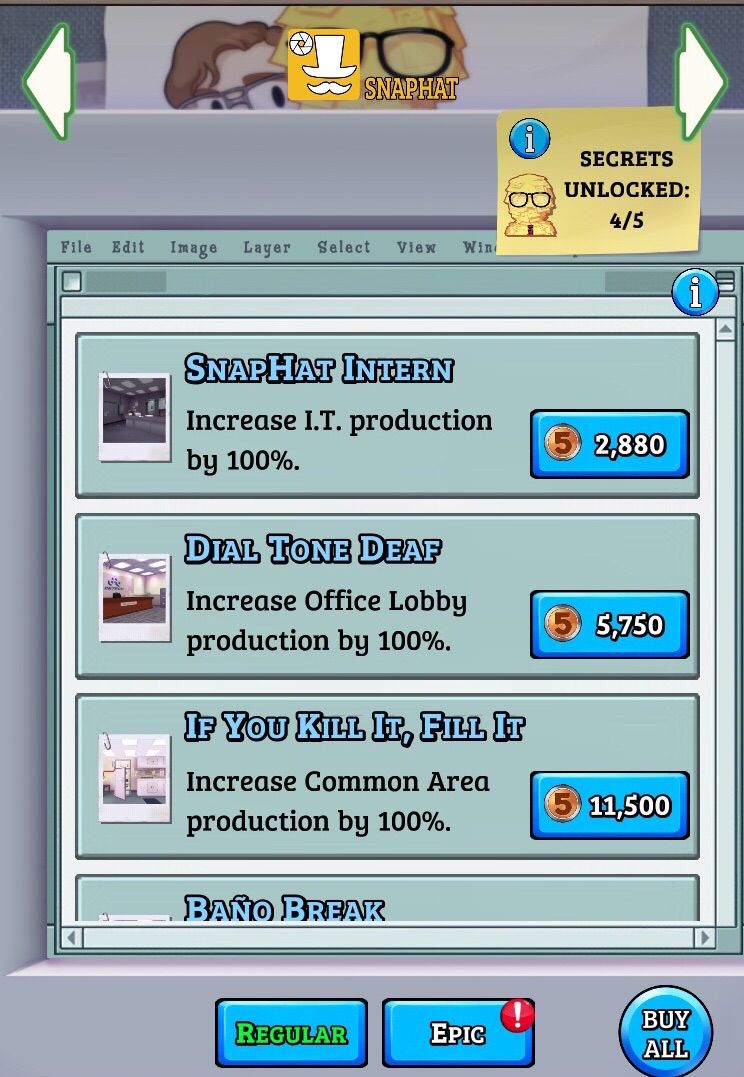
Each building has its own upgrade screen as well. There are Regular Upgrades and Epic Upgrades. Regular Upgrades are purchased with the currency of the building that is being upgraded (nickels for Snaphat, dimes for Chirper, quarters for FaceSpace). Normal Upgrades are reset when you expand. Epic Upgrades are purchased using the plans of the building that is being upgraded. These upgrades persist after expansion.
For most levels, you'll only need to fill up the progress bar for your Initech building in order to level up. However, every five levels, you'll need to fill the progress bar for each building you own. For example, here's what someone with an Initech, Snaphat, and Chirper building needs to get past level 5 (note that this account has scientific notation enabled, so the numbers may be in a different format than the ones you see in your game):
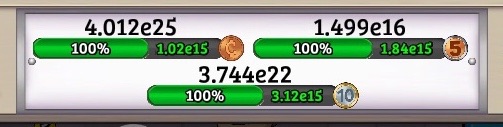
Remember to burn the building and purchase upgrades in order to reach production levels that will fill up your progress bars!
Expansion is a big undertaking, so make sure you're ready before expanding.
We look forward to seeing you expand and spread your wings! Just not too far, okay? Those TPS Reports are due by the end of the week.